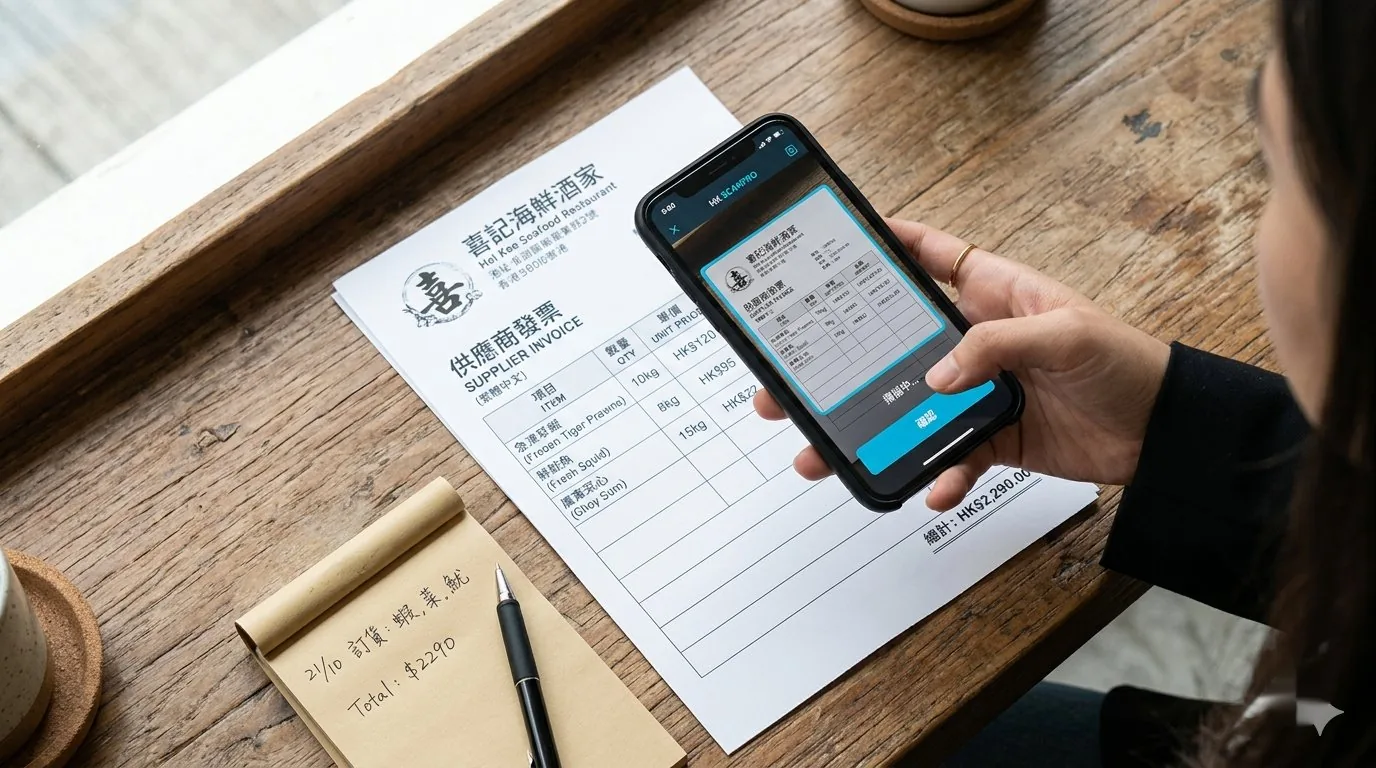
A restaurant chain owner told us that the managers across his 5 shops spent an average of 4 working days every month doing nothing but typing invoices into Excel. They didn't even have time to reconcile POS against inventory — they were simply moving numbers from paper slips onto a spreadsheet. When his manager saw a demo of AI scanning — one photo, 3 seconds, everything entered automatically — the first thing he said was: "Why did nobody tell me this 5 years earlier?"
Ask any restaurant manager which task eats the most time each week. They almost never say "typing invoices" — but time it with a stopwatch and that task wins every time. Keying supplier invoices into Excel one by one is invisible work that quietly swallows 20+ hours a month. AI invoice scanning can compress that to a few minutes.
Key Takeaways
- 20+ hours a month disappear into manual invoice entry — AI invoice scanning can compress that to a few minutes.
- 98%+ field-extraction accuracy on typed invoices; the remaining 1–2% is caught by validation rules, so a person only checks the flagged fields.
- Three confidence tiers: > 95% posts automatically, 80–95% is flagged yellow for a quick confirmation, < 80% is flagged red for a manual check.
- Beyond saving time: once purchasing data is structured, it unlocks price-trend tracking, automatic contract-price checks, and dish-level cost management.
What Exactly Is "AI Invoice Scanning"?
On the surface it looks simple: take a photo, and the system enters the contents into your system automatically. In reality it's a multi-layer processing pipeline:
- OCR: extracts every character on the page, printed and handwritten. Modern models are near-perfect on printed text; handwriting is slightly lower but still 90%+.
- Layout understanding: uses the document's structure to recognise which number is a line item, the total, tax or a discount — even when every supplier's invoice format is different.
- Item matching: maps "Olive Oil 3L" on the invoice to the correct SKU in your ingredient catalogue. This is the trickiest part, because the same ingredient can be written completely differently by different suppliers.
- Validation: flags anomalies — price movements beyond a set percentage, missing items, arithmetic errors, duplicate invoice numbers.
It's this pipeline that turns a photo into structured data you can actually analyse and act on.
Where Do the 20+ Hours Go?
We've run time tracking in 40+ kitchens. On average, the time per invoice breaks down like this:
- Manual entry: around 7–9 minutes per invoice
- Reconciling arithmetic errors: around 2 minutes
- Chasing price discrepancies: around 3 minutes
- Physical filing: around 1 minute
At roughly 50 invoices a week and 13 minutes each, that's about 46 hours a month. AI scanning simplifies the process to "photograph + double-check" — around 2 minutes per invoice — for a total of about 7 hours.
Those 40 hours don't come back in one lump; they're spread across 1–2 hours every day. An hour a manager spends typing invoices each day is an hour not spent walking the floor, training staff, or negotiating prices with suppliers. As it accumulates, what suffers isn't just cost — it's the quality of the operation, and in a closure wave, that unseen time and cost is often what tips a shop over the edge.
The Accuracy Question
"AI makes mistakes too — might as well type it myself." It's the most common worry, but it's simply no longer true.
On typed invoices, modern document AI models reach 98%+ field-extraction accuracy. The remaining 1–2% is handled by validation rules: the system flags low-confidence fields, and a person only needs to check those few items instead of reading every invoice in full.
How does the division of labour work in practice?
- Confidence > 95%: posted directly, no human intervention.
- Confidence 80–95%: flagged yellow for a quick confirmation.
- Confidence < 80%: flagged red — must be checked by a person.
In day-to-day use, most invoices pass straight through as green, yellows take about 10 seconds each to confirm, and only the few reds left over need a proper look.
AI doesn't replace people — it shrinks the scope of manual checking from 100% of fields down to the remaining 2%.
Beyond Saving Time: 3 Hidden Benefits
Saving time is the surface benefit. The real value of AI invoice scanning is that once your purchasing data is structured, you can do far more with it:
1. Automatic Price-Trend Tracking
With every invoice's unit prices flowing into the system automatically, you can instantly see each ingredient's price trend over the past 30 days, 90 days or a year. Which supplier is quietly raising prices, which items swing hardest with the seasons — the data shows it at a glance.
2. Automatic Checks Against Contract Prices
Have contract prices with a supplier? As the AI scans and posts each invoice, it can check against the contract price automatically — and alert you the moment the actual unit price differs from the contract.
3. Data That Feeds Cost Management
Link invoice data to your recipes and you can calculate the actual cost and food cost ratio of every dish (when an ingredient price changes, dish costs update automatically). This is something a spreadsheet on its own simply cannot do.
What to Look For When Choosing a Vendor
There are plenty of OCR tools on the market, but not all of them suit restaurants. When choosing, pay particular attention to:
- Trained specifically on F&B invoices, not generic OCR — restaurant invoices have their own layouts, wording and units.
- Ingredient matching that learns your suppliers' naming: the same item might be "Extra Virgin Olive Oil 3L" from supplier A and "OO 3L bottle" from supplier B — the system must learn to match them automatically.
- Customisable anomaly alerts: for example, price-movement thresholds or checking rules for specific suppliers.
- An API, or direct sync with your inventory and accounting systems: a standalone tool is no longer enough these days.
- Mobile photo capture: in the kitchen, snap the paperwork the moment it arrives — no waiting to get back to the office.
How InvSpot Handles AI Invoice Scanning
InvSpot's AI invoice scanning is built specifically for F&B:
- Models trained on F&B invoices: most familiar with the formats and wording commonly used by Hong Kong and Taiwan suppliers.
- Smart ingredient matching: the first time it sees a new item, the system asks you once; from then on, the same item from the same supplier posts to the correct SKU automatically.
- Price-trend tracking: as each invoice is posted, you immediately see that ingredient's long-term trend.
- Connected to POS, inventory and accounting systems: enter once, and the data flows everywhere it should.
- Mobile app capture: photograph at goods-in and it's entered on the spot.
InvSpot's AI doesn't just save typing time — it turns every invoice into real-time cost clarity, so you see the bleed while there's still time to fix it.
FAQ
Can it read handwritten delivery notes?
Yes, though accuracy drops to 85-90%. We recommend asking the supplier for a printed version afterwards where possible — it protects you, and OCR accuracy is noticeably better.
I'm on an older POS or accounting system — can AI scanning integrate with it?
In most cases, yes. The system exports standard CSV / Excel formats and can also connect to mainstream systems via API. Before integrating, we assess the compatibility of your existing setup.
I'm worried the AI will post wrong numbers — how do I verify?
The system sorts everything into three confidence tiers, and reds always require a manual check. For the first month or two, we suggest reviewing both reds and yellows to build confidence; after that, checking reds alone saves you the time.
Conclusion
Every hour of typing saved is an hour freed up to manage service, train staff, or actually dig into the story behind the numbers. The ROI of AI invoice scanning isn't mainly about the money saved — it's about what you can do with the hours you get back.
With accurate, real-time cost data, pricing and purchasing stop being guesswork and become decisions you can test and measure.
Want to see how much time AI scanning could save your shop? Book a demo and bring a few of your real invoices to scan — the numbers will tell you themselves.